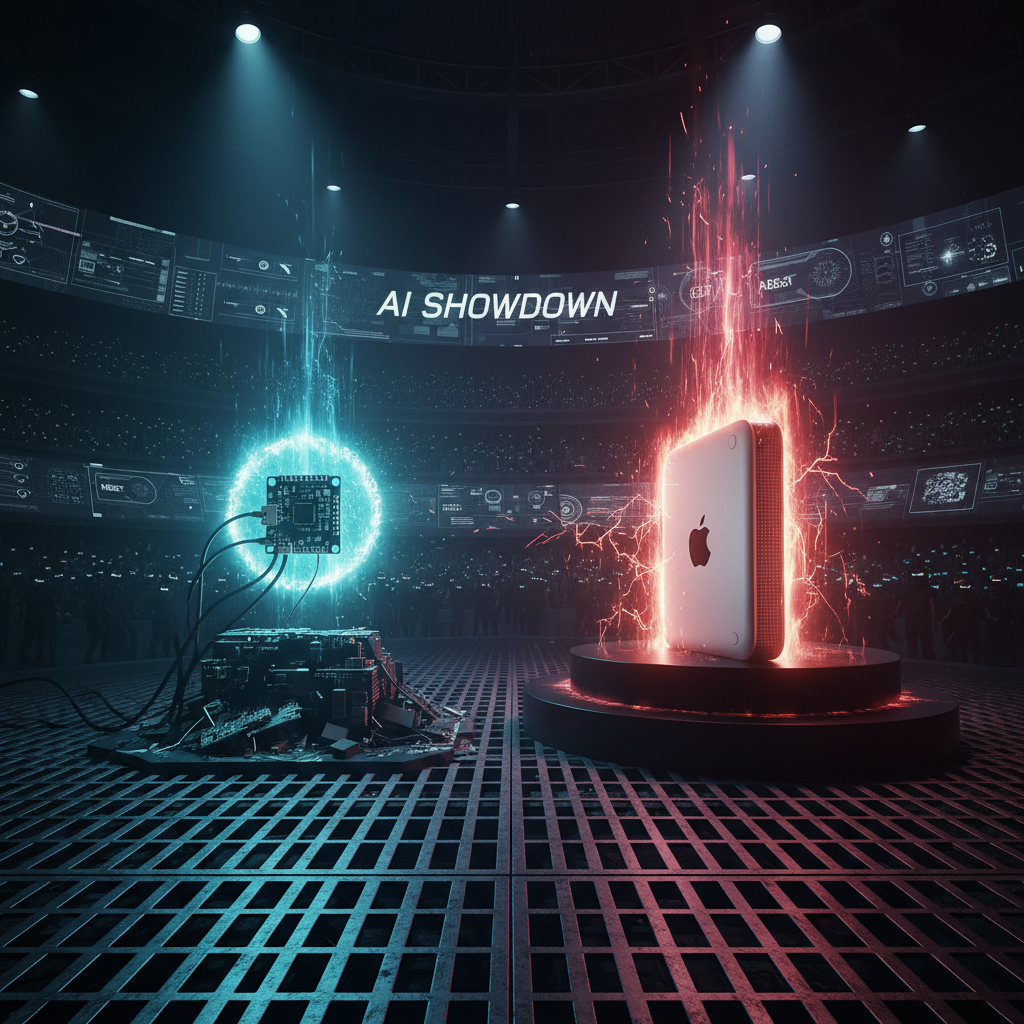
Running an AI Agent on a $10 Board vs a Mac Mini
Series:
- PicoClaw vs OpenClaw: A Code-Level Deep Dive
- What You Lose (and Gain) Running PicoClaw Instead of OpenClaw
- Running an AI Agent on a $10 Board vs a Mac Mini
- Running a PicoClaw Fleet from OpenClaw
Builder | Breaker | Fixer.
I run OpenClaw on my Mac Mini, maul at 192.168.50.251. It is a great control-plane box.
But PicoClaw keeps asking a fun question:
What if the assistant runtime moved to a $10 board?
Not as a stunt, as an actual useful agent.
The two machines in this story
Mac Mini setup (my current reality)
OpenClaw is designed for a richer stack:
- Node.js runtime (
engines.node >= 22.12.0in package metadata) - large installed footprint (500 MB at
/opt/homebrew/lib/node_modules/openclaw) - broad channel and plugin ecosystem
- optional browser/canvas/node features that add operational weight
Measured on my host with gateway idle:
openclaw gatewayRSS about 57 MB
That is already pretty reasonable for a modern machine, but this is still “desktop-class software assumptions”.
$10 board setup (the PicoClaw idea)
From PicoClaw’s code and published docs, the target shape is:
- single Go binary
- tiny runtime baseline
- minimal dependencies at deploy time
- ARM and RISC-V first-class build targets
Measured from local build on my machine:
picoclawbinary: 25 MB- idle gateway RSS in my test: ~18 MB
Public claims from PicoClaw site and README trend even lower for constrained targets, with caveats that recent merges can push memory into 10-20 MB range.
The key point is still true. It is in the embedded class, not desktop class.
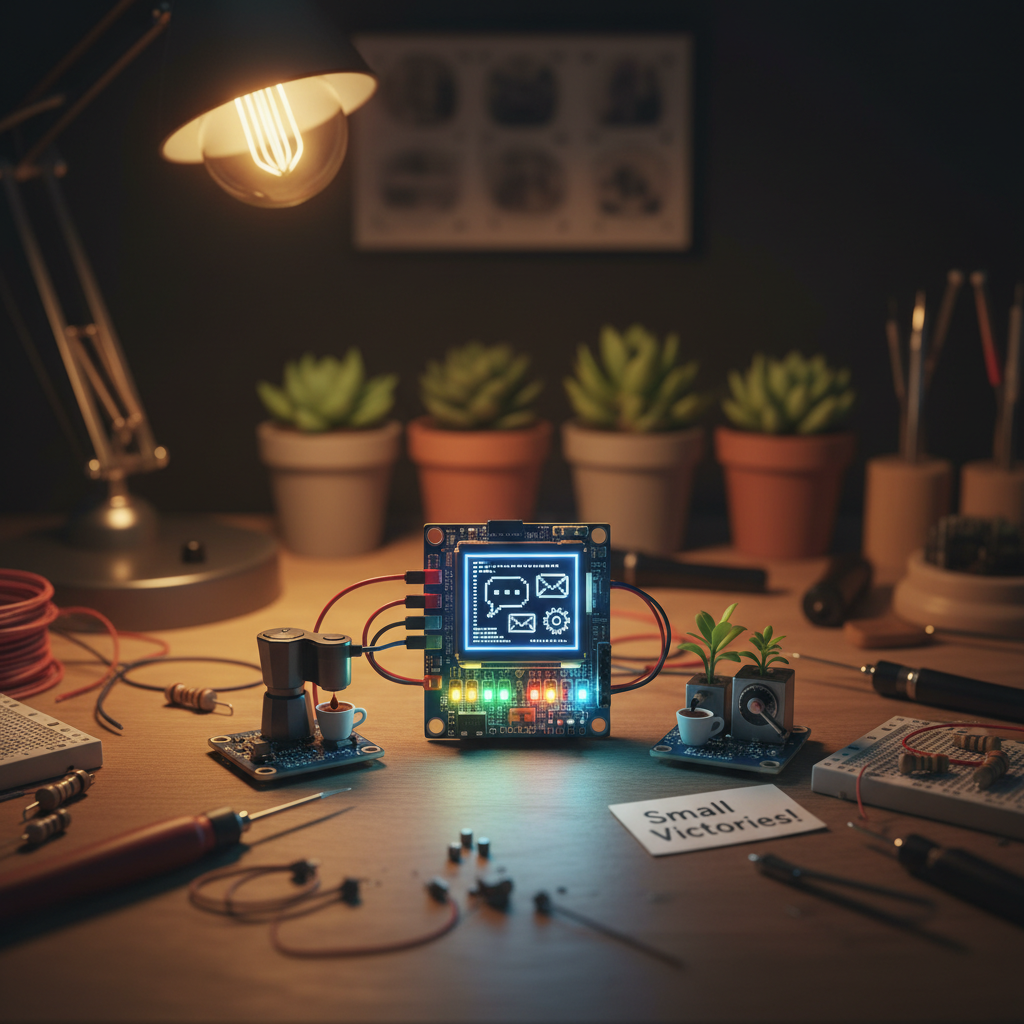
Could a $10 board run a useful assistant?
Yes, if you define “useful” correctly.
Useful on $10 hardware is not “everything OpenClaw can do”.
Useful is:
- receive messages from one or two channels
- call remote LLM APIs
- execute small local tools
- keep simple memory and session files
- run scheduled jobs
That is enough for a lot of personal automation.
What works well on tiny hardware
1) Chat relay + API brain
Most assistant intelligence is in the upstream model API anyway.
So the board’s job is orchestration:
- parse inbound message
- maintain local session state
- run safe local tool calls
- send response back
PicoClaw’s compact loop (pkg/agent/loop.go) is exactly this pattern.
2) Always-on cron and heartbeat
A cheap board is perfect for boring, persistent jobs:
- reminders
- recurring status checks
- scheduled digests
- maintenance pings
PicoClaw has built-in cron and heartbeat services directly in gateway startup path.
3) Edge-local integrations
If your edge node has direct physical attachment, PicoClaw already includes hardware-oriented tools (i2c, spi) and device monitoring hooks.
This is where tiny Linux boards shine.
What breaks first on a $10 board
1) Local heavy inference, obviously
If you expect local large model inference, this is dead on arrival. Use API calls or offload to a separate inference server.
2) Feature-rich integration surfaces
The bigger your integration wish list, the faster you grow out of the tiny runtime.
OpenClaw’s larger feature map exists for a reason:
- browser control
- canvas host
- paired nodes
- richer plugin-driven channel behavior
- deeper policy and approval flows
A $10 board can host basic orchestration well, but not every feature comfortably.
3) Debuggability under pressure
On constrained hardware, when something goes wrong:
- storage is smaller
- logs are often thinner
- network quality is often worse
- thermal and power noise is real
You need a tighter ops loop and cleaner failure strategy.
Minimum viable AI agent, my definition
If I had to design an MVP for a $10 deployment, it would be this:
- Single-channel first (Telegram or Discord)
- Remote model APIs only
- File tools restricted to workspace
- One scheduling system (cron)
- Simple persistent memory files
- No browser, no canvas, no heavy plugin graph
PicoClaw fits this profile very well.
The Mac Mini still wins for “full assistant life”
My Mac Mini setup exists because my actual workflow is not minimal.
I want:
- deeper integrations
- richer routing and session tools
- room for experimental features
- the ability to layer in more channels and automation over time
OpenClaw is built for that growth path. Its source tree tells the story.
- gateway orchestration in
src/gateway/server.impl.ts - plugin and channel runtime in
src/channels/pluginsandextensions/* - larger tool surface in
src/agents/tools/*
If your assistant is becoming an operating layer, the Mac Mini class host makes sense.
The hybrid architecture I actually like
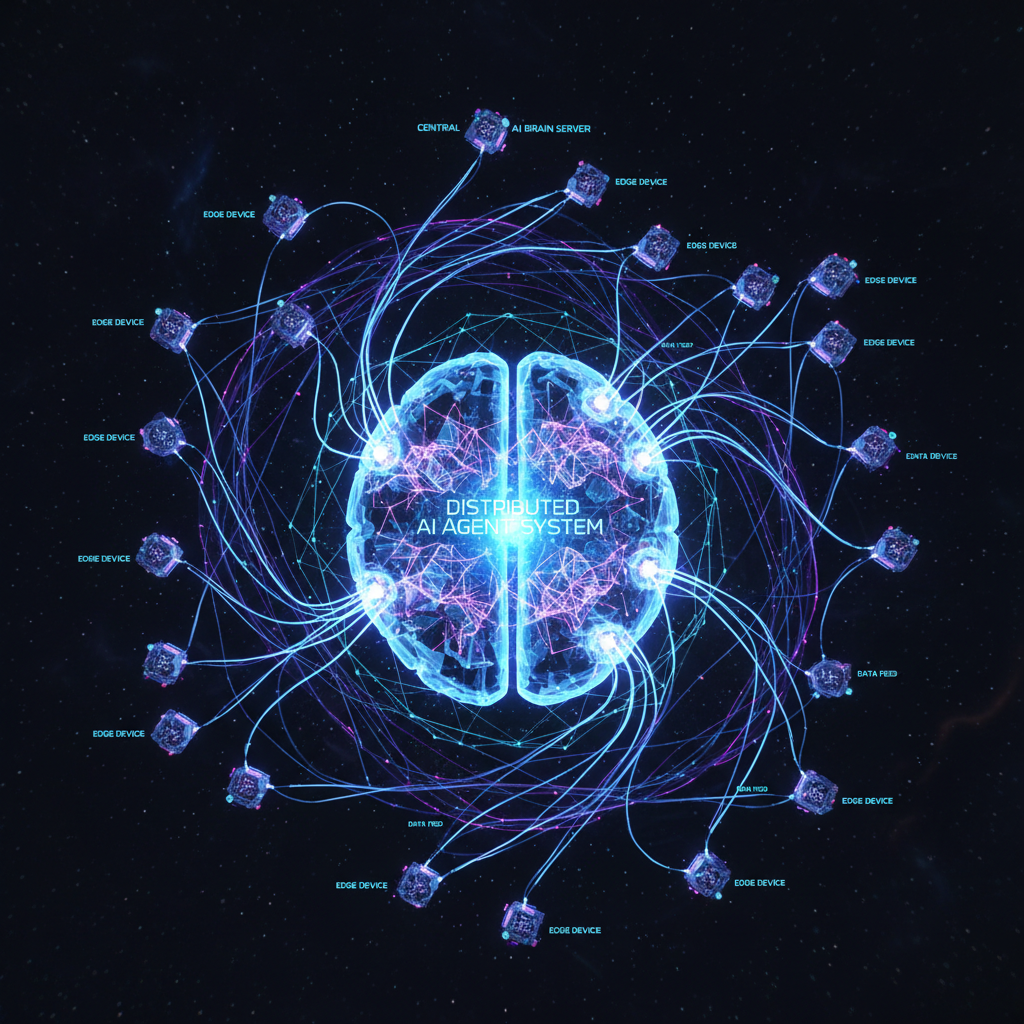
The best architecture is often not either-or.
I would run:
- OpenClaw on Mac Mini (
maul) as full control plane - PicoClaw on cheap edge boards as lightweight field agents
Pattern:
- Edge PicoClaw handles local triggers and cheap persistence
- Heavy tasks are delegated to central services
- Complex multi-channel orchestrations stay on OpenClaw
This gives you resilience and cost control at the same time.
Concrete hardware expectations
OpenClaw practical baseline
From code and package metadata:
- Node.js 22.12+
- enough RAM to keep Node process and integrations comfortable
- enough disk for node_modules and extensions
- modern OS support where Node and dependencies are healthy
It can run lighter than people assume, but it is still platform software.
PicoClaw practical baseline
From repo and docs:
- Linux/macOS/Windows support
- x86_64, ARM64, RISC-V builds
- tiny memory profile compared to full platform stacks
- single binary deployment path
For constrained hardware, this is exactly the right profile.
Real-world performance expectations on constrained hardware
A cheap board works best when you deliberately cap workload shape.
Good workload shape:
- short prompt/response turns
- low fan-out tool usage
- infrequent large file operations
- one to three active channels
Bad workload shape:
- high-throughput chat traffic
- many concurrent tool runs
- constant large transcript growth
- latency-sensitive orchestration across many upstream APIs
In other words, the edge board should orchestrate, not dominate.
One pattern that works well is queueing expensive tasks upstream. Let the $10 box act as intake, filter, scheduler, and notifier. Let bigger hosts do heavy transforms. That keeps memory stable and avoids random lockups from bursty work.
Failure modes I would design for on a $10 deployment
If I were deploying PicoClaw to a tiny board in production, I would harden these first:
- Power reliability: cheap power supplies are noisy. Use a stable supply.
- Storage wear: reduce write churn, especially for logs.
- Network flaps: build retry and backoff assumptions into workflows.
- Watchdog restarts: assume occasional process restart is normal.
- Remote observability: lightweight health endpoints and heartbeat checks matter.
This is where tiny hardware succeeds or fails, not in benchmark screenshots.
The honest answer to “$10 board vs Mac Mini?”
If your question is:
“Can I run a useful AI agent for almost no money?”
Then yes, PicoClaw on cheap hardware is real.
If your question is:
“Can I replicate my full OpenClaw personal assistant stack on that same board?”
Then no, not fully. You lose a lot of advanced surface.
My closing rule of thumb
- Need ubiquitous, low-cost, always-on agents at the edge, pick PicoClaw.
- Need maximal assistant capability and integrations, keep OpenClaw on serious hardware.
If you are like me, you will probably do both.
Mac Mini as HQ, tiny boards as outposts.
That is the architecture I trust most.
One reaction per emoji per post.
// newsletter
Get dispatches from the edge
Field notes on AI systems, autonomous tooling, and what breaks when it all gets real.
You will be redirected to Substack to confirm your subscription.